✦ Practical ideas for Android, Kotlin, and AI builders.
AI Could Change Android Apps More Than We Expected
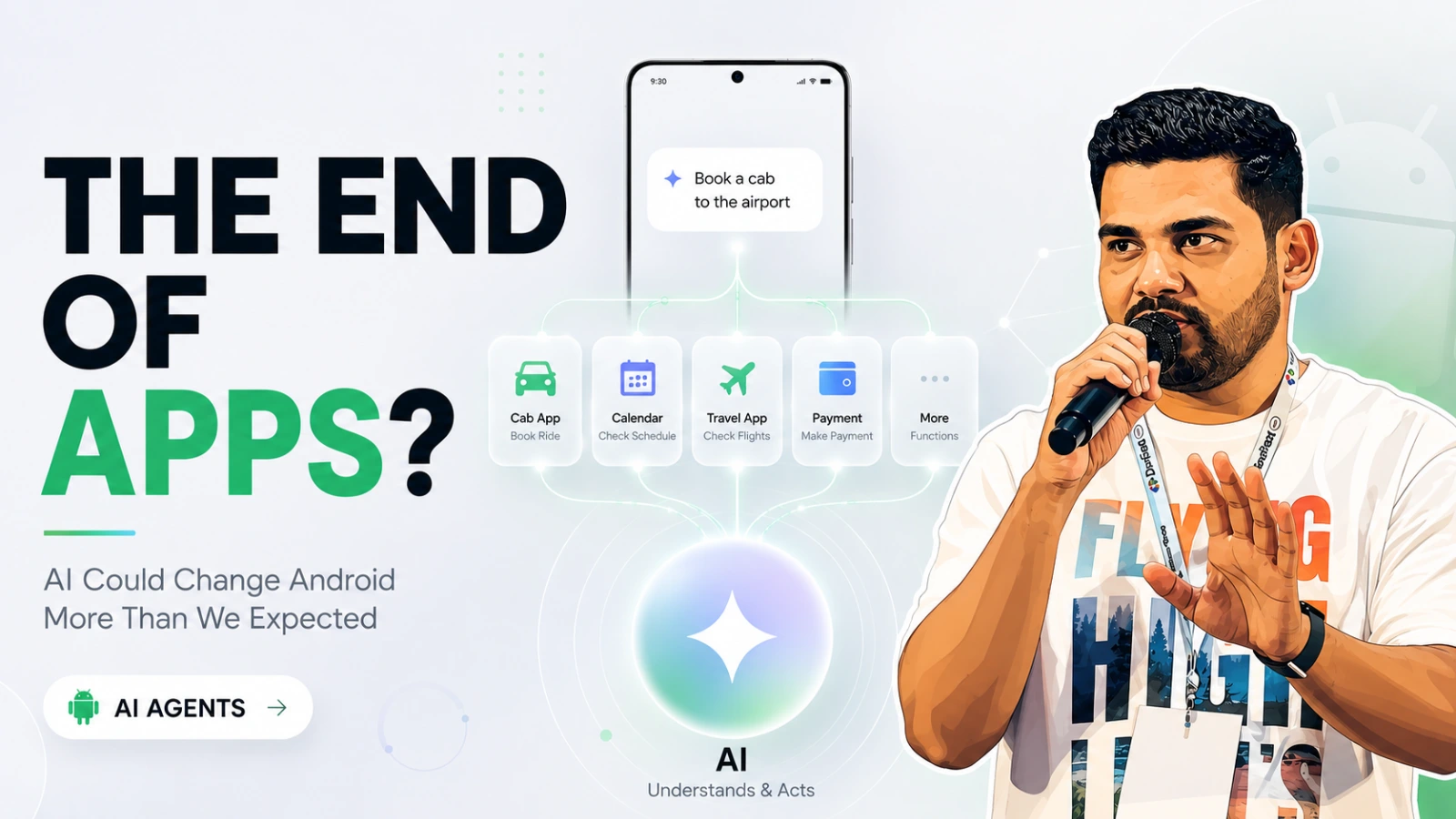
Most people looked at recent AI announcements and saw the usual things: smarter chatbots, AI search, image generation, voice assistants, and smart glasses.
But I think something much more important quietly happened in the Android ecosystem.
For years, Android apps were built around one core assumption. Humans open apps, navigate screens, tap buttons, search manually, and complete workflows themselves.
Now, for the first time, it feels like the Android platform slowly wants to move away from that model.
Not completely. Not overnight. But I feel we are headed on that direction.
AI is no longer being treated as just another feature sitting inside apps. Android is slowly experimenting with something bigger: AI interacting with app capabilities directly.
Because if AI systems become capable enough to understand what apps can do, users may not always need to manually navigate those apps the way they do today.
Instead of:
opening five apps,
switching screens,
searching repeatedly,
completing the same workflows manually,
users could increasingly rely on AI systems to orchestrate actions across apps for them.
And honestly, this may end up changing Android app design more than we currently expect.
Android Apps Were Designed Around Screens
For years, Android development has largely been about helping users navigate apps efficiently.
We designed screens, flows, search experiences, onboarding, and navigation patterns around one simple assumption: the user manually drives the entire interaction.
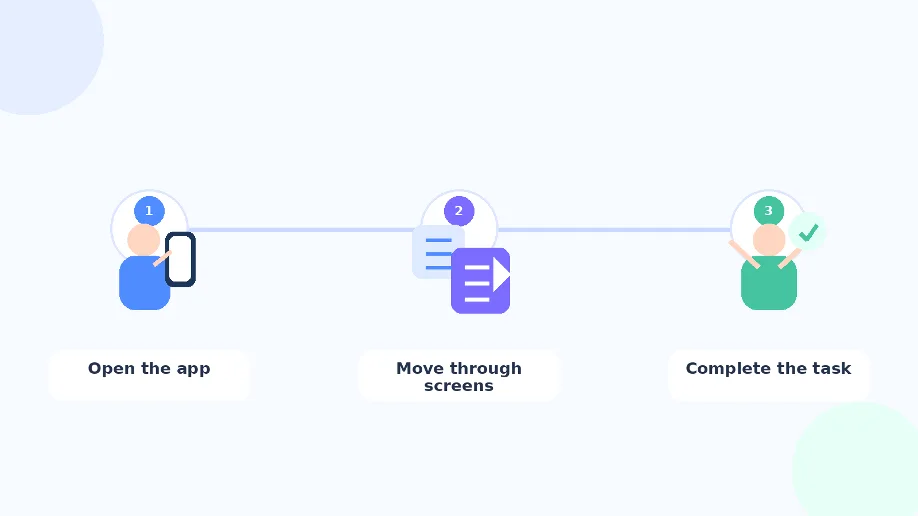
Even as Android evolved from fragments to Jetpack Compose, the core interaction model mostly stayed the same. The app controls the workflow, and the user follows it.
But AI systems don't really think in terms of screens and navigation.
They think in terms of outcomes.
And that small difference could slowly become a much bigger shift for Android apps than many of us expected.
What If AI Starts Using Apps for Us?
One thing that caught my attention recently is that Android seems to be slowly moving beyond the idea of AI as just another in-app feature.
The interesting part is not AI chat inside apps. It is AI understanding what apps can do. Think about how we use apps today.
If you want to order food, you open an app, search for restaurants, scroll through menus, place the order, and check out manually. Same for booking cabs, creating reminders, scheduling meetings, or tracking workouts.
But what if users increasingly stop interacting with apps that way?
Imagine simply saying:
“Order my usual dinner.”
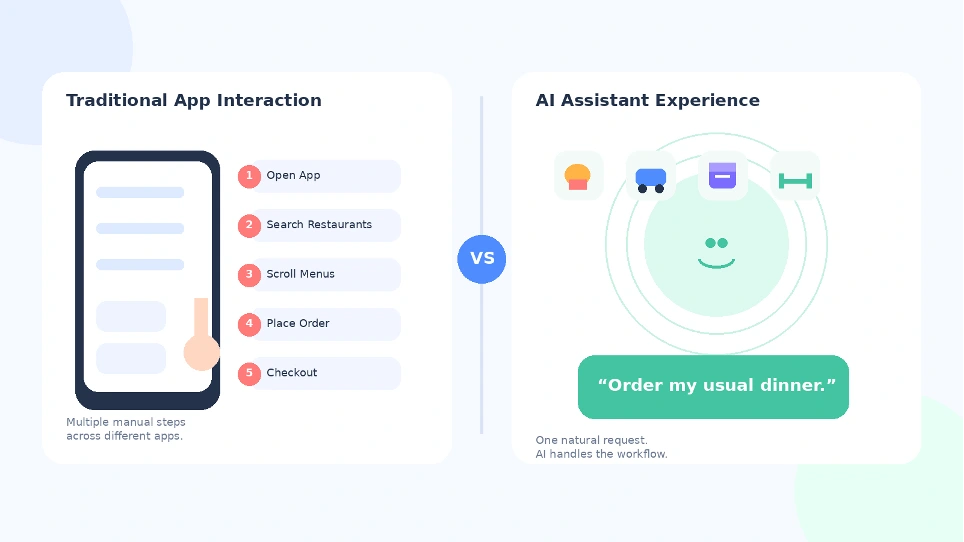
The AI understands the request, figures out which app can handle it, and completes the workflow for you.
That is a very different interaction model.
For years, users learned how apps work.
Now it feels like AI systems may slowly start learning what apps are capable of.
And honestly, that small shift could become much more important than it sounds right now.
Traditional Flow
User -> App UI -> Action
Emerging Flow
User Intent -> AI -> App Capability -> Action
That is why Android’s recent push around App Functions feels genuinely interesting to me. Not because it changes everything overnight, but because it hints at where app interaction may slowly be heading.
So What Exactly Are App Functions?
At a high level, App Functions allow Android apps to expose specific capabilities in a structured way so AI systems can understand and execute them.
Instead of AI simply reading app content, apps can now describe actions they are capable of performing.
For example:
create reminder,
order food,
start workout,
book cab,
schedule meeting.
A simplified example could look something like this:
/**
 * Add a list of items or ingredients to the user's active shopping list.
 *
 * @param context The execution context provided by the system.
 * @param items The names of the ingredients or products to add to the list.
 * @return The final shopping list with new items added
 */
@AppFunction(isDescribedByKDoc = true)
suspend fun addItemsToShoppingList(
    context: AppFunctionContext,
    items: List<String>
): ShoppingList
The important part here is not the syntax itself.
The interesting part is the direction.
Apps are no longer exposing only screens and interfaces. They are starting to expose capabilities that AI systems can potentially discover and execute.
What Happens When AI Becomes the User?
At first glance, App Functions may look like just another Android API announcement.
Android has introduced many systems over the years to improve communication between apps and users. Intents, Deep Links, App Actions. All of them made Android workflows smoother and more connected.
But they were still fundamentally designed around humans driving the interaction.
The user opens the app.
The user navigates screens.
The user triggers the action.
What feels different now is that Android seems to be slowly preparing for a world where AI systems may also participate in those workflows directly. And that raises a genuinely interesting question:
What happens if users stop opening apps manually as often?
Because if that starts happening, even gradually, developers may eventually need to think beyond designing apps only for human users.
Apps may also need to become understandable to AI systems.
Not just visually polished interfaces.
But clearly exposed actions, predictable workflows, and structured capabilities that AI agents can reliably interact with.
And honestly, that could become a much bigger shift than another UI toolkit or architecture pattern.
Why This Could Slowly Change App UX
I do not think traditional app interfaces are going away anytime soon.
People will still open apps, browse manually, and interact with screens for a long time. But repetitive workflows may slowly start changing.
Tasks like:
ordering food,
booking cabs,
scheduling reminders,
starting workouts,
managing routines,
could increasingly become intent-driven instead of navigation-driven.
Instead of manually moving through five screens, users may simply describe what they want, and AI systems handle the workflow underneath.
That changes how we think about UX itself.
The focus may slowly shift from:
“How do users navigate this app?” to:
“How easily can this task be completed?”
And in that world, apps may increasingly expose capabilities instead of forcing users through complex navigation flows every time.
The New Challenge for Android Developers
This is where things start becoming genuinely interesting for developers.
If AI systems increasingly participate in app workflows, developers may eventually need to think differently.
Apps need:
clearer actions,
predictable workflows,
structured execution,
better interoperability,
AI-readable capabilities.
In simple terms, apps may need to become easier not just for humans to use, but also for AI systems to understand.
That does not mean UI becomes irrelevant.
It simply means the capability layer behind the UI may become much more important than before.
A Future Scenario That Suddenly Feels Realistic
Imagine a user simply saying:
“Prepare my evening.”
An AI assistant could potentially:
order healthy food,
schedule a gym session,
create reminders,
block focus time,
organize tomorrow’s tasks.
Now think about this from the perspective of a financial app like American Express.
Instead of manually opening the app to:
check spending,
track reward points,
review subscriptions,
activate offers,
split payments,
monitor unusual transactions,
a user could simply say:
“Can I afford a dinner outing this weekend?”
The AI assistant could securely interact with app capabilities to:
analyze recent spending,
check available balance,
identify dining offers,
estimate reward points,
and provide a contextual recommendation.
Or imagine:
“Remind me if my monthly dining budget crosses $500.”
That interaction is much closer to intent-driven computing than traditional app navigation.
A few years ago, this would have sounded overly futuristic.
Today, it feels increasingly plausible.
Not because AI is replacing apps, but because apps themselves may slowly become more accessible to AI-driven workflows.
Final Thoughts, The Center of Android May Slowly Shift
For years, Android apps were designed primarily around interfaces and navigation.
And honestly, that model worked extremely well.
But recent platform direction suggests something may slowly be changing.
Instead of users always adapting themselves to apps, platforms now seem increasingly interested in helping apps adapt to user intent.
That is a subtle shift, but potentially a very important one.
The most important Android apps of the future may not just be the ones with the best UI. They may also be the ones AI systems can understand and work with most effectively.

Worth keeping?
Conversation
Continue the conversation
Share a useful addition, question, or correction through GitHub Discussions.